Add CLC Calendar to Your Phone
Rather than having to check multiple different calendars, sync CLC's calendar to your phone in a few simple steps:
Pick Your Phone
iPhone: Tap the iPhone button below, then tap Subscribe.
Android / Google Calendar: Tap the Android button, sign in to Google if it asks, then tap Add. The CLC calendar will show up in your Google Calendar app.
Changes can take a few hours to reach your phone. For same-day updates, watch for texts from the church.





This Week's Events
Sunday, Nov 22
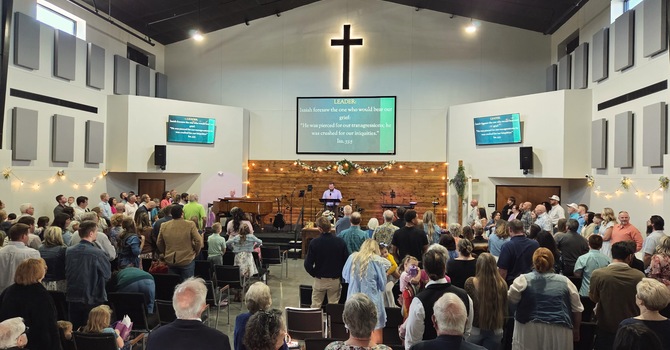
Sunday Worship
10:00AM
205 Thunderbird Road Tonkawa, OK 74653
Wednesday, Nov 25
Women's Bible Study
6:00PM
CLC
Friday, Nov 27
Women's Bible Study
9:00AM
CLC